
Control Panel to Email Ready: How to Set Up Accounts, Catch-All, Aliases, and Auto-Responses
Learn how to efficiently set up email accounts, aliases, catch-all, and auto-responses using a full control panel.
Learn how to efficiently set up email accounts, aliases, catch-all, and auto-responses using a full control panel.
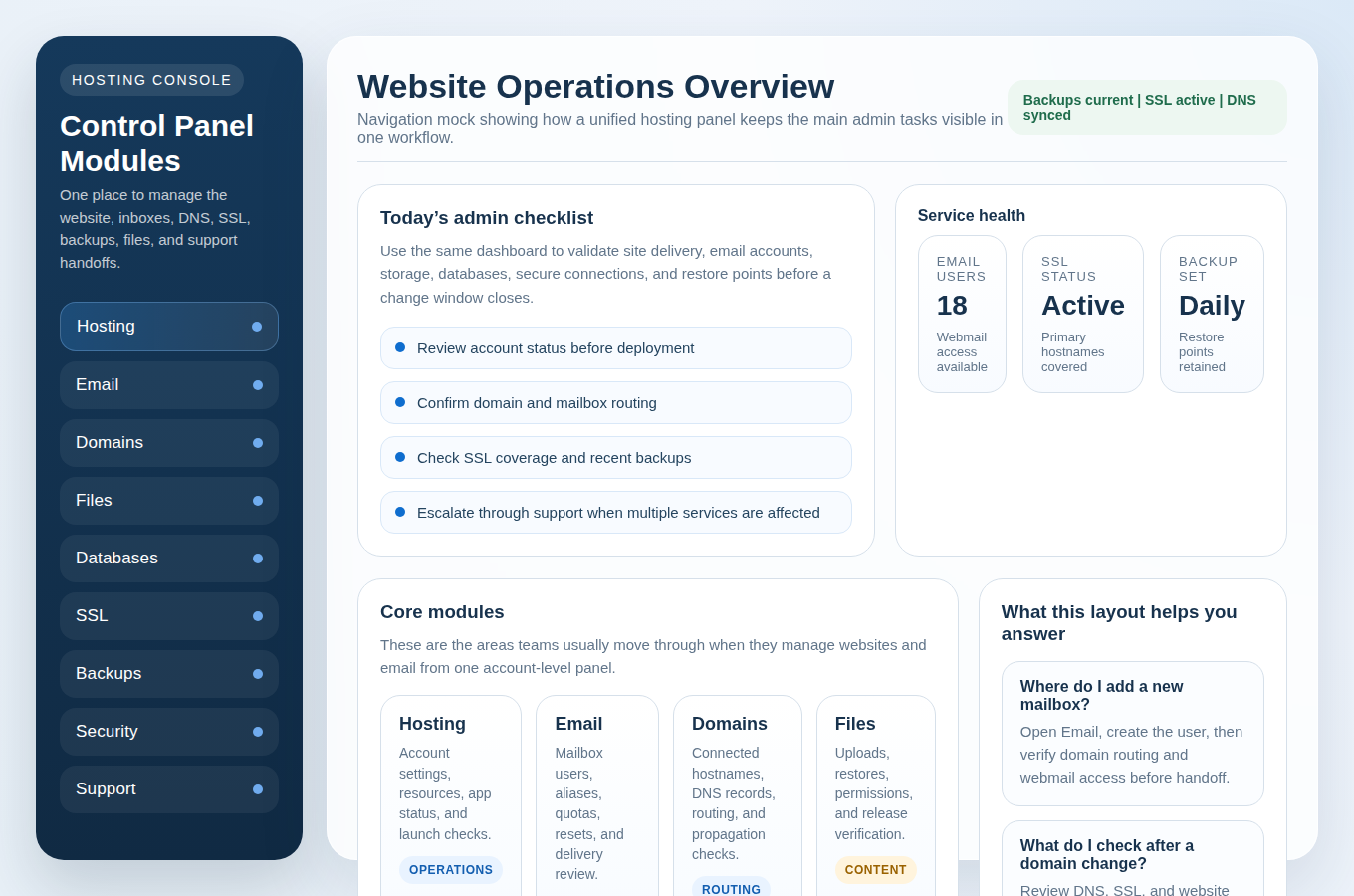
Follow this practical day-by-day checklist to launch or relaunch a WordPress site and business email with a clean control panel workflow.
A practical one-week checklist to help new customers confidently set up their hosting, email, and DNS using the control panel.
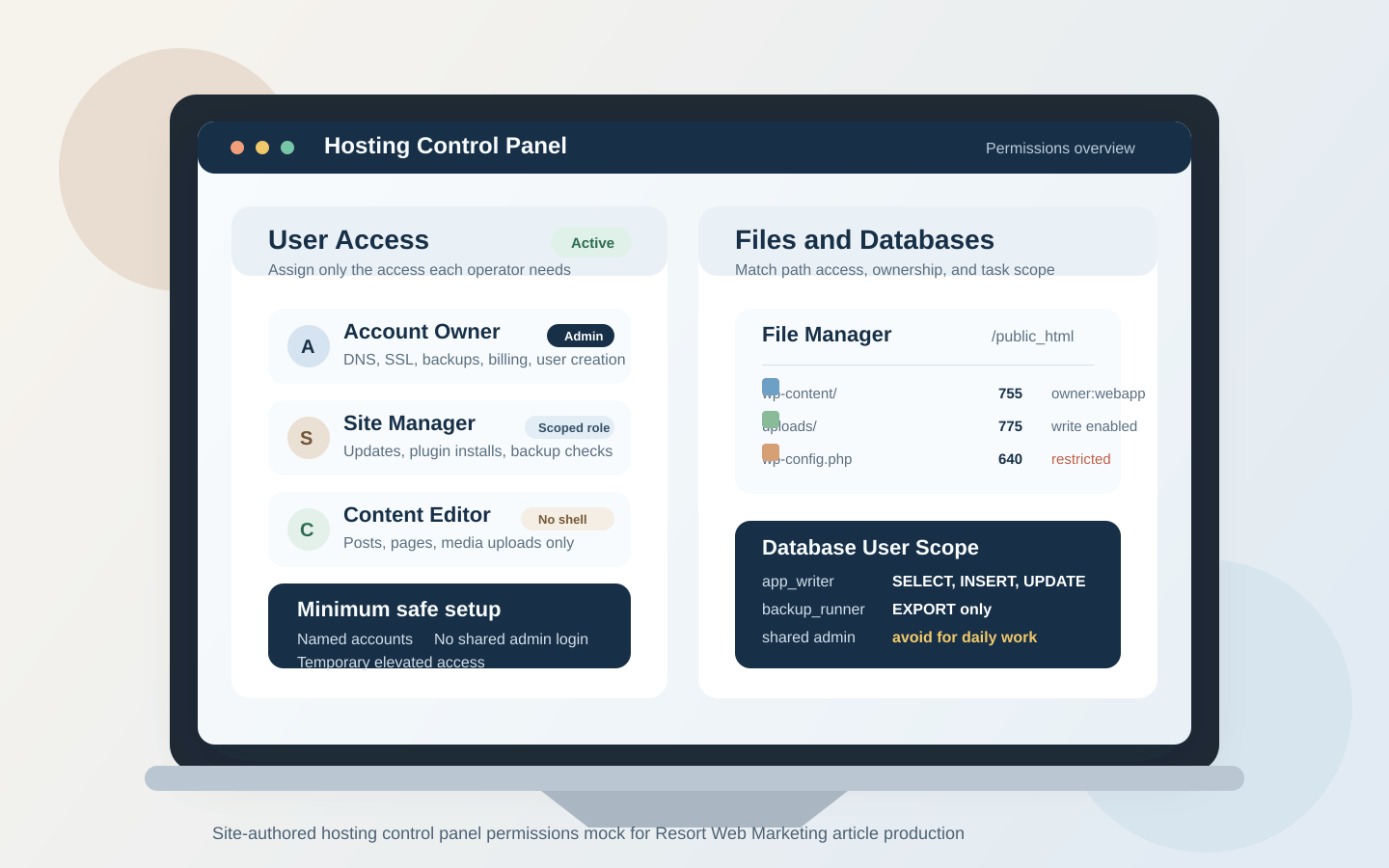
A practical guide to control-panel permissions for small teams, covering user roles, file access, database privileges, scheduled tasks, and the most common permission-related failures.
Learn how to set up email accounts, aliases, and shared inboxes for a small team using your control panel so mail stays organized, secure, and reliable.

Discover essential questions to ask your hosting provider about support quality, response times, and what services are included before making a commitment.
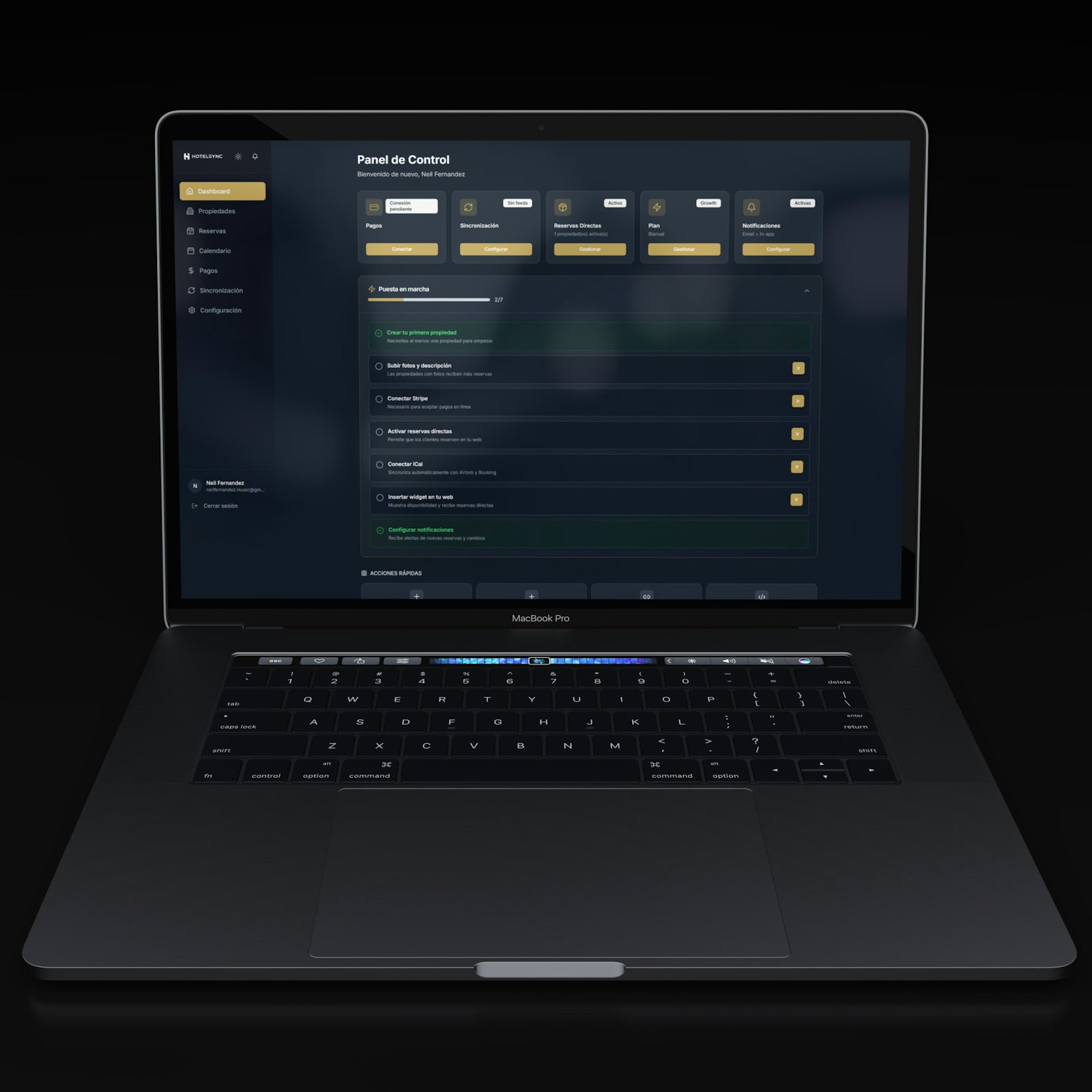
A beginner-first walkthrough for using one control panel to manage domains, email, files, databases, SSL, backups, and security with clear verification steps.
“No downtime” is usually a planning standard, not a magic trick. The practical goal is to keep the old website
Use a simple 5-step backup and restore workflow to recover faster from common website or email disruptions by checking scope, retention, restore options, safe testing, and follow-up verification.
Choosing webmail or an email client for business email? Compare access, IMAP/SMTP setup, day-to-day management, security expectations, and reliability to pick the simplest option.