Handle hosting, email, domains, and maintenance tasks from one working dashboard.
The control panel brings together files, databases, webmail, SSL, DNS, backups, and account settings so your daily website operations stay coordinated.

See the infrastructure settings that affect the website and the inboxes attached to it.
A usable control panel makes it easier to understand where a setting lives before you change it. That reduces downtime risk when you are editing files, checking a database, creating an SSL certificate, updating DNS, or adjusting mailbox access.
For broader planning context, teams can compare guidance from web.dev guidance before choosing a workflow.
Teams building custom portals on top of hosted infrastructure often start with an AI web app generator or test new admin flows with a vibe coding platform before they connect those tools to a production hosting environment.
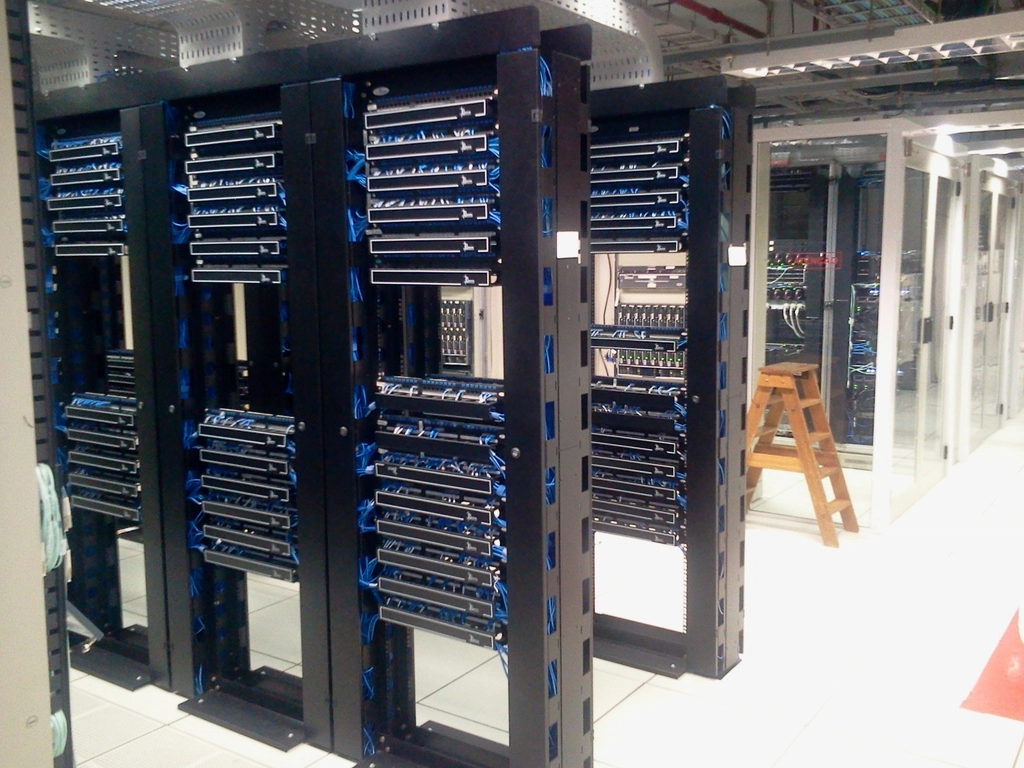
Review content and application data from the same account area
Useful for updates, restores, deployment checks, and troubleshooting.
Move between DNS and email administration without losing context
That matters when a launch or migration affects both.
Related implementation details are also covered in MDN Web Docs, which helps keep tool decisions grounded in established practices.
Keep recovery and certificate tasks visible
Security-related actions should be easy to verify, not buried.
- A clearer handoff between business owners and technical staff.
- Faster review of account settings before a risky change.
- Better visibility into how website, email, and DNS settings depend on each other.
If your hosted website is part of a broader application rollout, it can help to align platform choices early.
Some teams bring in AI consulting services when they are mapping automation, admin workflows, or internal tooling around the hosted stack.
Use the same control surface for routine tasks and escalations.
When the control panel, support workflow, and hosted services are aligned, teams spend less time guessing where a change belongs and more time validating it before it goes live.

Use the control panel as the source of truth for routine hosting work.
When a task touches the website, the domain, or the inboxes attached to it, start in the same dashboard and escalate through support only when the change needs a coordinated window.