
How to Read a Hosting Feature List Without Getting Lost
A plain-English guide to understanding hosting features, control panel tools, and email services without the marketing jargon.
A plain-English guide to understanding hosting features, control panel tools, and email services without the marketing jargon.

Discover the lifecycle of SSL certificates on managed hosting, including issuance, renewal, and common pitfalls. Learn how to verify SSL security from your control panel.

Learn how to manage email storage effectively to avoid mailbox full issues. Understand quotas, attachment handling, and best practices for small teams.
Discover how to manage cron jobs safely on a business website: when to use them, how to plan them, and how to troubleshoot common scheduling problems.
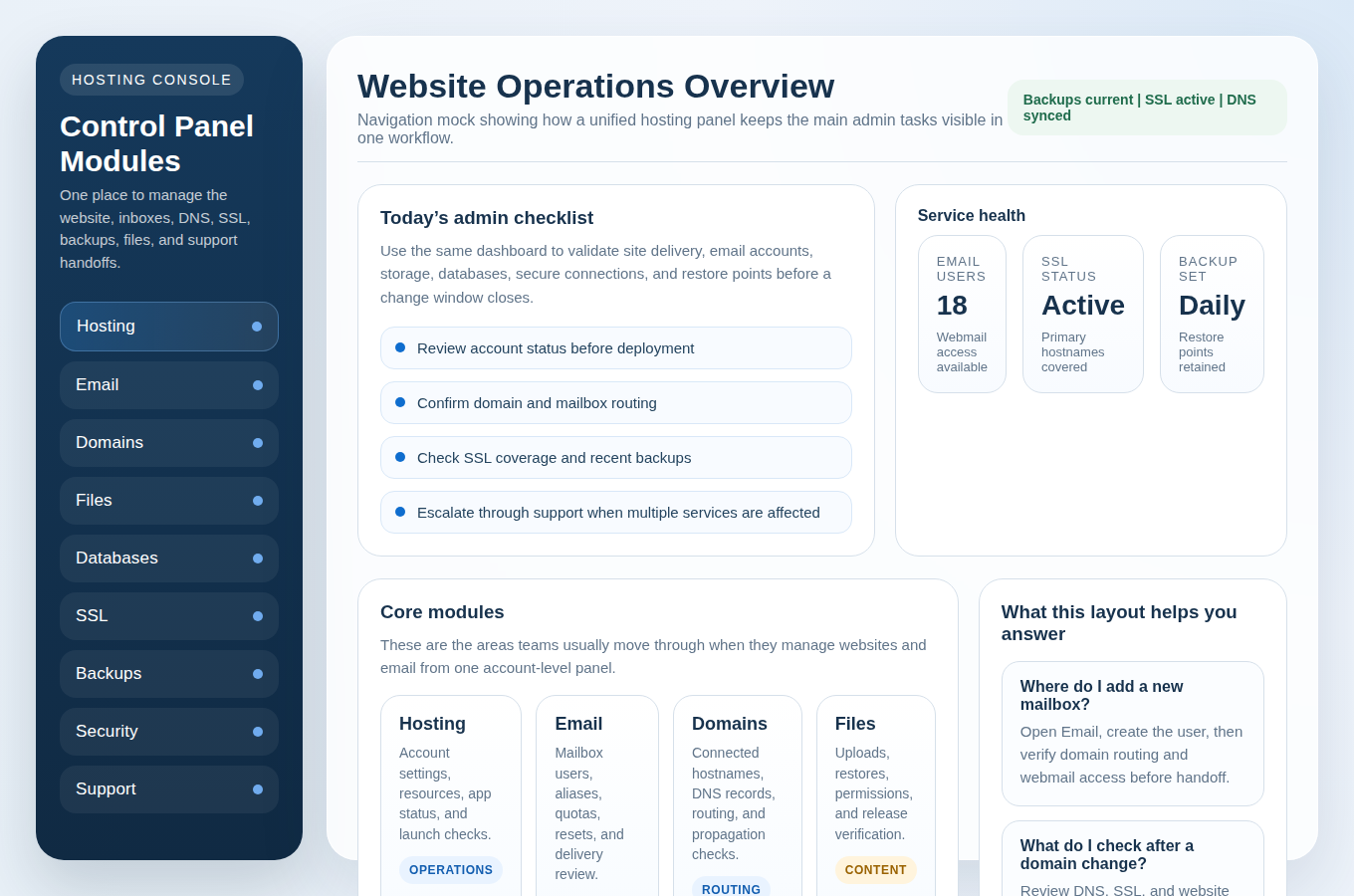
A practical guide for new or migrating site owners on how to effectively manage their hosting, databases, and email through a single control panel.
Learn how to efficiently set up email accounts, aliases, catch-all, and auto-responses using a full control panel.
Follow this practical day-by-day checklist to launch or relaunch a WordPress site and business email with a clean control panel workflow.
A practical one-week checklist to help new customers confidently set up their hosting, email, and DNS using the control panel.
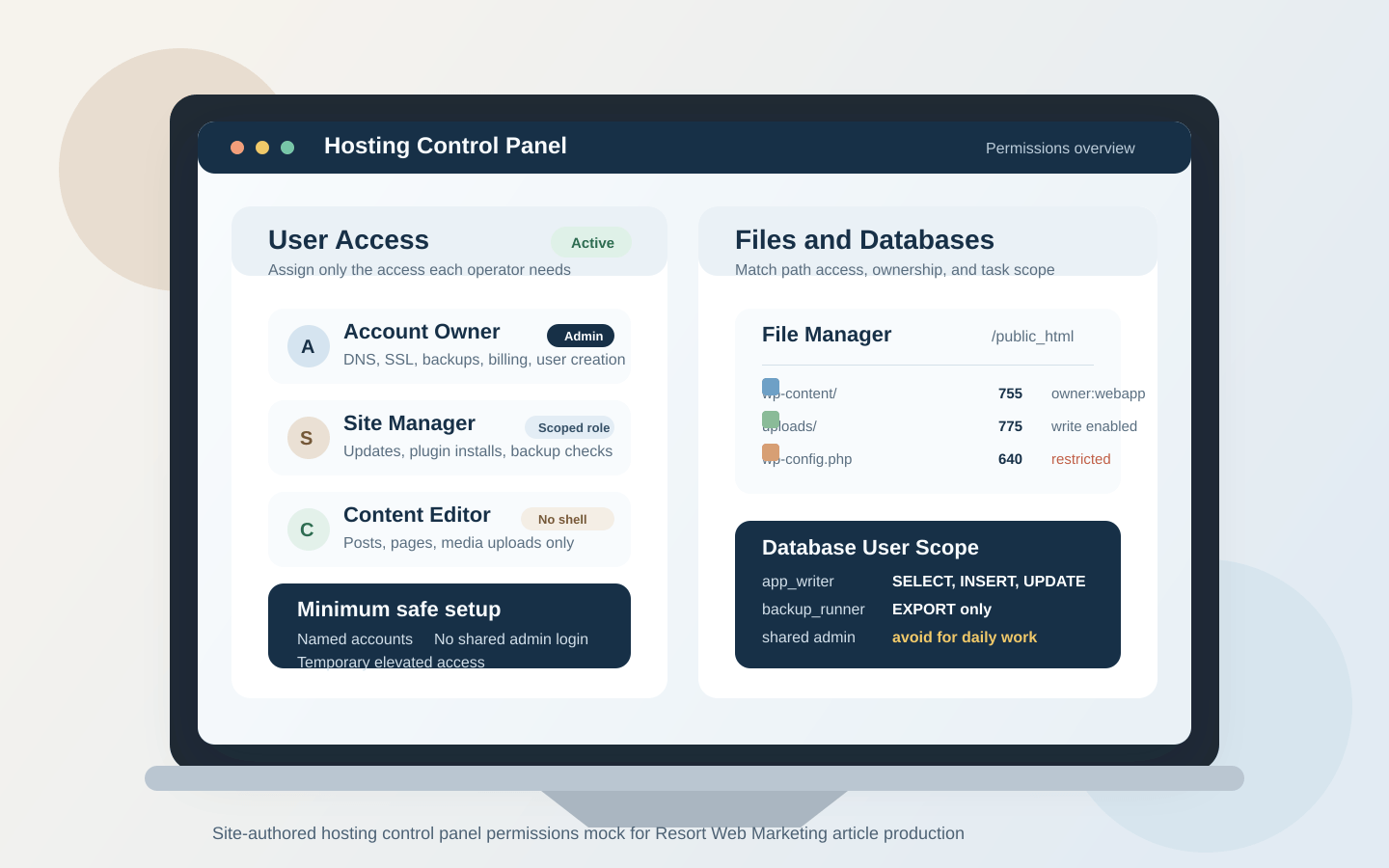
A practical guide to control-panel permissions for small teams, covering user roles, file access, database privileges, scheduled tasks, and the most common permission-related failures.
Learn how to set up email accounts, aliases, and shared inboxes for a small team using your control panel so mail stays organized, secure, and reliable.