Small-business hosting plans are sold like a menu. They behave more like a dependency chain. If the website, email, DNS, SSL, backups, and support path do not fit the way you actually work, the cheap plan becomes the expensive mistake.
Most buyers arrive with the same handful of questions, even if the pricing page tries to distract them. How much CPU or memory do I actually need? How much storage is real versus decorative? Are backups usable or just mentioned? Does the plan include professional email and webmail access, or is that another bill hiding behind the curtain? And the question people usually ask too late: when something breaks, can I manage the boring essentials from one place or do I have to start a small administrative war?
For broader planning context, teams can compare guidance from web.dev guidance before choosing a workflow.
This guide is meant to rule out false leads. You do not need the biggest plan. You need the plan that matches your site type, expected traffic pattern, backup tolerance, mailbox needs, and day-to-day management load. If you are comparing options from the homepage or reviewing a current Website Hosting setup, treat this as a decision framework, not a glossy features list.
Written by Felix Rowan
Updated May 14, 2026

What You Are Really Buying
A hosting plan is not just disk space with nicer adjectives. For a small business, the actual purchase is usually a bundle of operating responsibilities:
Related implementation details are also covered in MDN Web Docs, which helps keep tool decisions grounded in established practices.
- Website hosting so the site loads reliably.
- Email hosting so your domain-based inboxes are not an afterthought.
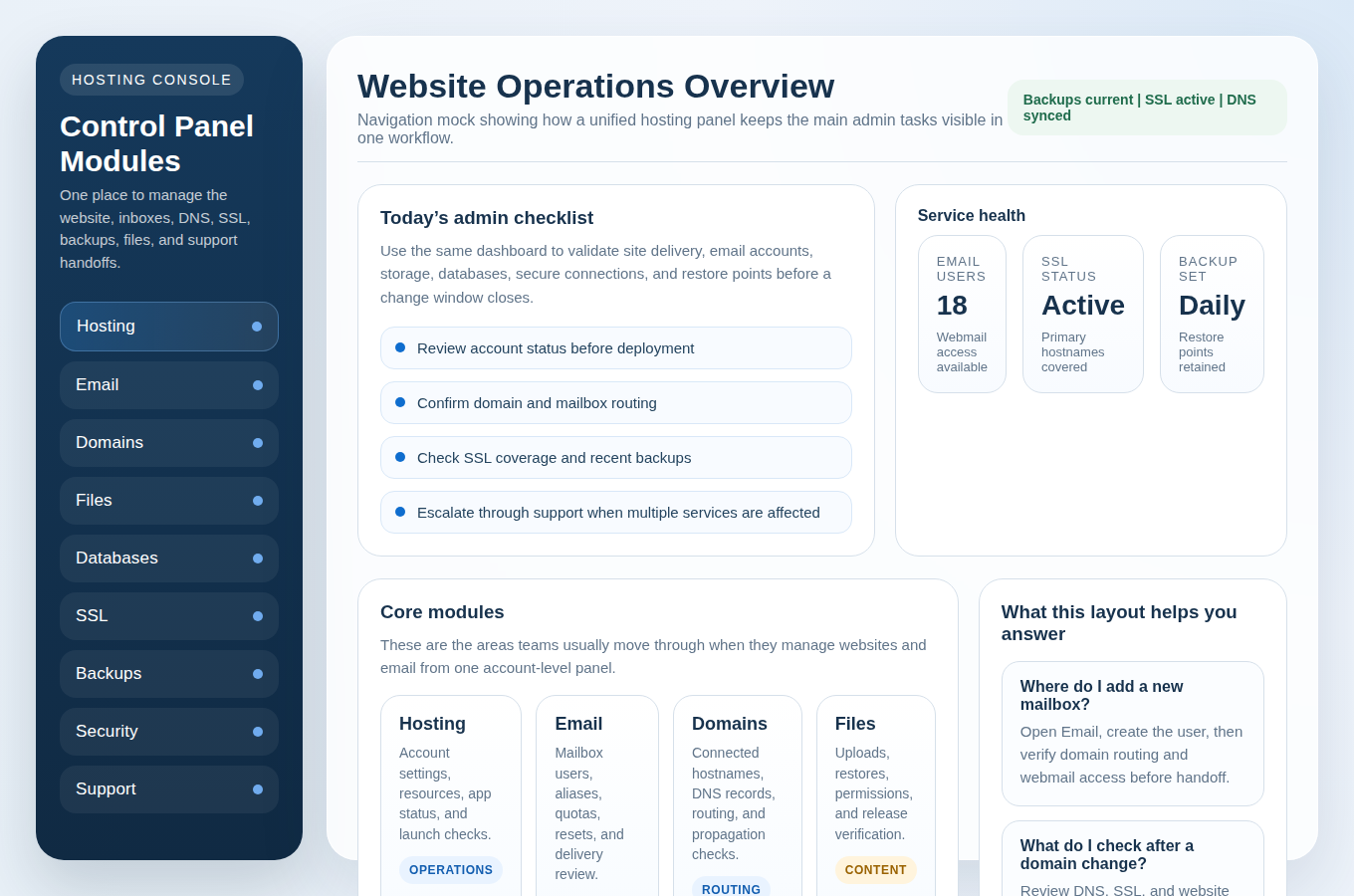
- Control panel access so you can manage files, databases, domains, SSL, and backups without guesswork.
- Support coverage so there is a real escalation path when self-service stops being efficient.
This matters because the website, the inboxes, and the domain settings are not separate planets. A DNS mistake can break email. A mailbox issue can look like a website issue if forms stop delivering. A failed SSL renewal can look like a random browser problem to your staff. The actual problem is usually less romantic and more operational: the plan did not include enough visibility or enough control.
If the provider splits every important task into a different add-on, check the total operating picture, not the headline price. A plan that includes Email Hosting, access to Control Panel tools, and a clear support path is often cheaper in practice than a bargain plan that forces you to bolt those pieces together later.
If the panel cannot show backup state, SSL status, mailbox counts, and the current task list without hiding those basics behind six menus, that is not a minor annoyance. It is a symptom.
Match the Plan to the Site You Actually Run
People compare plans by staring at the resource column first. That is understandable and often backward. The first diagnostic step is to identify the kind of workload you are paying for.
| Site Type | Typical Pattern | What Matters First | Common Buying Mistake |
|---|---|---|---|
| Small business brochure site | Mostly steady traffic, occasional updates, contact forms, a few mailboxes | Reliability, backups, SSL, email, simple management | Overbuying raw resources while ignoring email and support quality |
| Content blog | Traffic spikes from campaigns or search, many media files, plugin updates | Caching, storage growth, backups, database performance | Choosing the cheapest storage tier and discovering image libraries add up |
| Ecommerce site | Transactions, logins, order data, higher consequence when slow or down | Resource headroom, backup frequency, SSL, security, fast support | Treating it like a brochure site because the catalog still looks small |
| Agency or multi-site account | Multiple client sites, many domains, lots of admin work | Control panel organization, DNS visibility, backups, user access, support escalation | Ignoring management overhead and buying a plan that only works for one site at a time |
The point is simple: the right plan depends on the workload and the consequences of failure. A five-page services site does not need the same resource profile as an online store, but it may still need strong backup retention, professional mailboxes, and fast support because the business runs through those systems daily. Symptoms matter more than labels.
Performance Basics: CPU, RAM, Caching, and Traffic Spikes
This is where hosting pages start throwing numbers around and hoping you nod politely. Do not. Ask what problem the resources are supposed to solve.
CPU determines how much processing the account can do at one time. More dynamic sites, busier plugins, heavier databases, and login-driven workflows usually need more headroom. RAM matters because applications, database processes, and caching layers all need memory to avoid collapsing into slow responses. If the site is simple, you may not need much. If the site runs transactions, member logins, or multiple applications, pretending those are “lightweight” is how slowness gets rebranded as mystery.
Also check how the plan handles traffic spikes. Some providers quietly throttle, queue, or limit processes when usage jumps. That does not automatically make the plan bad. It does mean you should know whether the site slows down gracefully, throws errors, or needs a manual upgrade. The sales page may call this scalability. What you want is a plain answer to a plain question: what happens when a campaign, seasonal surge, or sudden mention sends more visitors than usual?
Caching is another place where jargon performs theater. For most small businesses, the useful question is not “Which caching stack do you use?” It is “Does this plan give me practical performance help for repeat visitors and common pages, and can I disable or clear it when troubleshooting?” Caching that improves speed but turns updates into a scavenger hunt is only half a feature.
If you are comparing two plans, rule out the false lead that unlimited anything solves performance. Unlimited storage does not create CPU. Unlimited mailboxes do not create memory. Unlimited optimism is still just optimism.
Storage and Growth: Estimate the Boring Numbers Before They Bite
Storage gets simplified into one line item because that is easier to sell. The actual storage story is more annoying and therefore more useful.
Your account may need space for website files, image and media uploads, databases, mailbox contents, backups, staging copies, and logs. A small brochure site with a handful of pages can stay compact for a long time. A content-heavy site with frequent uploads, or a business that keeps mailboxes for several staff members over multiple years, grows differently. Email is often the quiet storage bully in the room.
Use this rough check before you buy:
- Estimate current website file size, including media uploads.
- Estimate database size, especially if the site stores form entries, orders, or other application data.
- Estimate mailbox count and whether staff keep large attachments in-domain.
- Estimate monthly growth for images, documents, and mail.
- Add margin for backups, staging, or seasonal campaigns.
You do not need precision worthy of a laboratory. You do need enough realism to avoid buying a plan that fits only this month. If the provider includes database and file management tools in the same workflow, that helps you monitor growth before it turns into a support ticket. That is one reason integrated control panel access matters more than marketing copy suggests.
Backups That Matter: Frequency, Retention, and Restore Access
Everybody says they have backups. Symptoms do not lie. Check the boring things first:
- Frequency: daily may be fine for a lower-change site; a busier site may need more frequent protection.
- Retention: how many restore points do you get, and how far back can you go?
- Coverage: does the backup include files, databases, email, or only part of the account?
- Restore access: can you restore from the panel yourself, or do you need support?
- Scope: can you restore a full account, a site, or a specific component?
The quality test is not whether the word “backup” appears on the pricing table. It is whether recovery is clear before you need it. If a plugin update, content error, mailbox issue, or DNS mistake forces a rollback, you want restore options that are visible inside Security & Backups rather than hidden in a support maze.
Ask how the provider expects you to recover after a common failure. If the answer is vague, treat that as useful evidence. A strong backup promise sounds boring in the best possible way: how often, how long, what is included, and how to restore. Anything less is decorative reassurance.
Security Essentials: SSL, Access Control, and Patching Expectations
Security claims are another place where language gets inflated. For a small-business hosting plan, the practical baseline is more modest and more useful.
Start with SSL/TLS. The plan should make certificate setup and renewal visible, not mystical. If you connect a domain, you should be able to confirm whether HTTPS is active, which hostnames are covered, and whether the site is forcing secure connections properly. If that workflow is opaque, the plan is telling you something about how incidents will feel later.
Next, check what account security controls exist. That may include login protection, access restrictions, alerts, malware scanning if offered, and separation between user roles. You do not need to worship a long checklist. You do need to know whether the basics are present and manageable. One shared super-admin login for every task is not efficiency. It is a future blame document.
Patching expectations matter too. Some plans include platform maintenance or make version visibility obvious. Others hand you the controls and the responsibility. Either model can work if it is clear. What fails is the blurry middle where everyone assumes someone else is updating the important parts.
Email and Webmail: What “Professional Email Included” Should Mean
Email is often treated as a side benefit, which is odd considering how many businesses still run on inboxes, aliases, calendars, form notifications, and domain trust. If a hosting plan says email is included, verify what that means operationally.
- How many mailboxes are included, and can you add more cleanly?
- Are aliases, forwards, and role accounts such as
sales@orsupport@supported? - Are spam controls or mailbox security settings exposed clearly?
- Is browser-based Webmail available for fast access?
- Can your team reset passwords, review quota use, and manage accounts from the same place?
Webmail matters more than people admit. It is the fallback when a local client is misconfigured, a new employee needs access quickly, or someone is away from their usual device. If webmail exists but is hard to find, hard to explain, or detached from the main account workflow, it will be ignored right up until it becomes urgent.
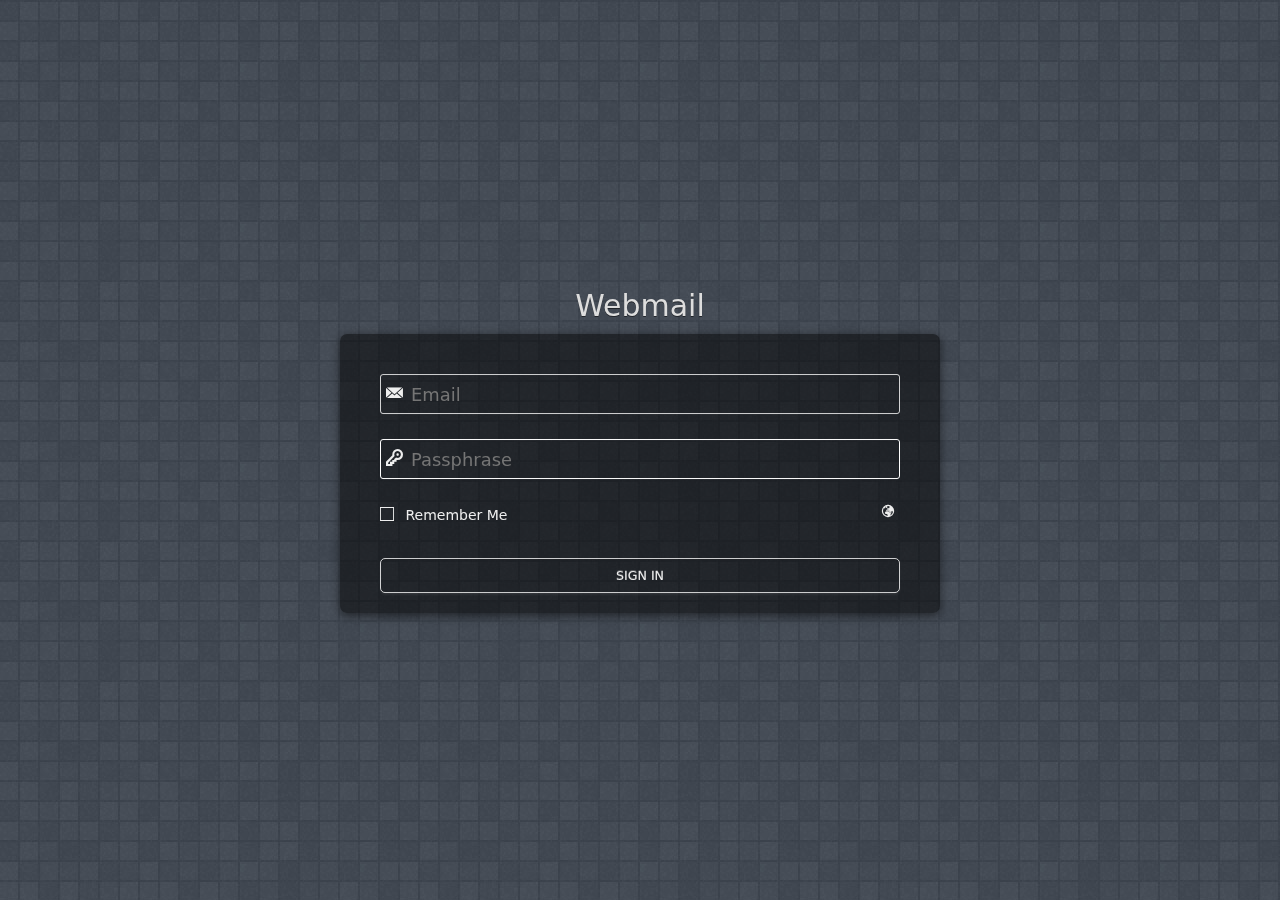
A sensible plan keeps website hosting and email management close enough that you can diagnose common issues without bouncing between vendors. That is why combined Email Hosting and control panel access are worth checking line by line.
Domains and DNS: Confirm What Is Included Before You Sign
Some buyers assume domains and DNS management are just there. Sometimes they are. Sometimes they are “available” in the same way a fire extinguisher is available behind glass after the building is already warm.
Before you commit, verify whether you can manage the DNS records that matter: A, AAAA, CNAME, MX, and TXT. Ask whether the plan includes enough visibility to separate website routing from email routing. That is the actual problem. If you move the website and accidentally break mail, the plan did not save you money. It gave you homework.
You should also know what to expect from propagation. DNS changes are not always instant, and a provider should explain that plainly instead of pretending every update is immediate. A decent Domains & DNS workflow lets you confirm what changed, what should happen next, and which records affect the site versus the inboxes.
If you are not sure how future-proof the setup is, use the diagnostic question that rarely gets enough attention: if I need to move later, will I be able to review and export the information I need without unnecessary friction? Lock-in is usually disguised as convenience until the exit becomes the actual problem.
Support and Uptime Expectations: Look for Response Quality, Not Empty Guarantees
A lot of hosting pages wave the word uptime around as if saying it loudly improves the infrastructure. What you should actually compare is the support model around availability issues.
Check which channels exist for urgent issues, whether support covers hosting and email together, and how escalation works when the problem crosses services. A broken inbox and a healthy website is still a business problem. A healthy mailbox and a dead checkout page is still a business problem. Separate support silos are not elegant when you are the one waiting.
Useful questions include:
- What support channels are available for account, website, and email issues?
- What happens when a problem spans DNS, SSL, and mailbox delivery?
- Can support help with restores, domain changes, and mailbox troubleshooting?
- Are maintenance events and status changes communicated clearly?
This is also where a simple Contact Support path matters. If you need custom client portals, account dashboards, or internal admin tooling layered on top of the hosting environment later, that becomes a different build decision where outside custom web development services may be worth comparing. First make sure the underlying hosting and support workflow is sane. Fancy plans love to distract from the actual problem.
A Simple Hosting Plan Comparison Table
If you are shortlisting plans, compare them in one grid before you let pricing do your thinking for you.
| Checkpoint | What to Confirm | Red Flag |
|---|---|---|
| CPU / RAM | Enough headroom for your site type, plugins, transactions, or multiple apps | Vague resource language with no explanation of burst behavior |
| Storage | Room for site files, database growth, mailboxes, and normal expansion | Storage sounds generous until email and backups are excluded or capped oddly |
| Backups | Clear frequency, retention, coverage, and restore workflow | The plan says “backups included” but cannot explain restore details |
| Mailbox count, aliases, spam controls, webmail access, quota visibility | Email exists only as a separate add-on with weak account visibility | |
| SSL | Certificate setup, hostname coverage, renewal visibility | HTTPS is treated as your problem to discover after launch |
| DNS | Clear record management for both web and mail | No clean way to tell which changes affect the website versus email |
| Support | Real escalation path for hosting and email issues | Support exists in theory but not when the issue crosses systems |
Final Call: Buy the Plan That Reduces Operational Friction
The right hosting plan for a small business is usually not the flashiest one and not the cheapest one. It is the one that fits the actual workload, includes the management tools you will use weekly, keeps email and website operations close together, and gives you a credible recovery path when changes go wrong.
If you are stuck, start with the first diagnostic step instead of changing everything at once: list your site type, current mailbox count, estimated storage growth, and minimum acceptable backup window. Then compare plans against that list, not against the loudest marketing sentence on the page.
If you want to move from comparison to action, Get Started with a hosting setup that keeps the essentials visible, Manage Hosting from one account view, or Request Hosting Plan if you want a clearer fit for your website, email, DNS, and support needs.