Webmail is where business conversations get done—so when it’s targeted, the damage can spread fast. Here’s a practical, business-friendly checklist to help you secure your webmail accounts against common threats, reduce account takeovers, and keep employees productive.
Common webmail security threats (the usual troublemakers)
Most webmail incidents boil down to a few familiar patterns. Look for these risks in your process and settings:
- Credential stuffing & password guessing using stolen username/password pairs.
- Phishing that tricks users into entering webmail login details on fake pages or via deceptive emails.
- Weak or reused passwords that make compromised credentials spread to multiple accounts.
- Missing or misconfigured multi-factor authentication (MFA).
- Session hijacking (unusual logins, persistent “stay signed in” behavior, compromised browsers/devices).
- Account recovery abuse (phone/email recovery channels that attackers can access).
- Excessive access permissions—for example, shared mailboxes with unclear ownership.
Quick sanity check: if you wouldn’t want your receptionist’s password emailed to the whole internet, it probably shouldn’t be the one protecting your inbox.
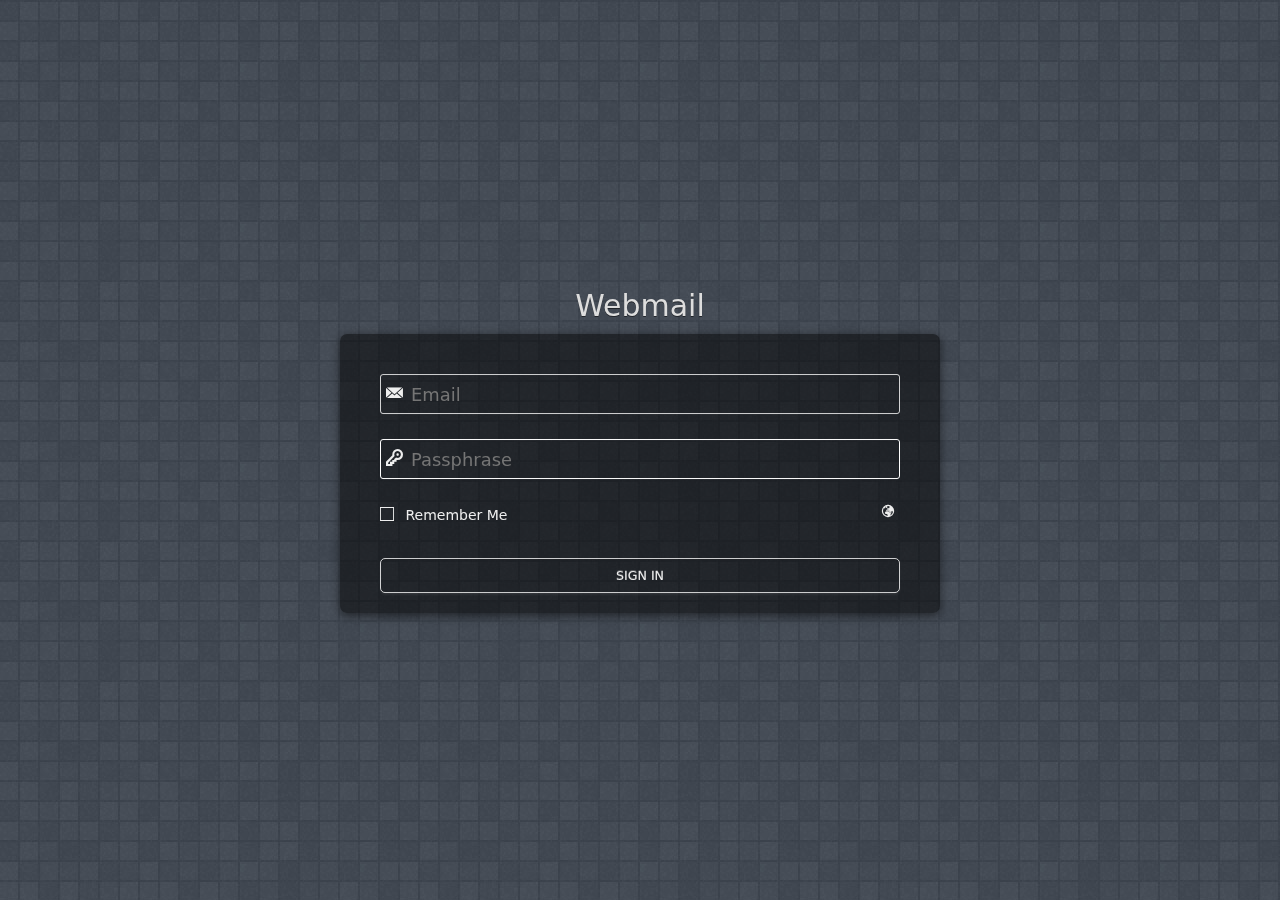
Best practices: secure webmail in four layers
Think of webmail security like a lock setup on a business door. You want layers—not one magic trick.
Layer 1: Make logins hard to abuse
- Require MFA for every user account that can access webmail. If a user account only “sometimes” needs MFA, attackers will only target that sometimes.
- Use strong, unique passwords. A password manager is the boring magic wand here.
- Review “stay signed in” behavior on shared or managed devices. Reduce long-lived sessions when possible.
- Lock down admin access: fewer accounts should have the power to change email settings, aliases, forwarding, or security options.
Layer 2: Watch for suspicious login patterns
Webmail accounts leave clues. Set up a routine to check:
- Login alerts (new locations/devices, unusual times).
- Repeated failed logins—especially if they start coming in bursts.
- Inbox rules/forwarding changes: attackers love changing delivery so messages disappear quietly.
- Mailbox access changes: who can view or manage shared inboxes?
Layer 3: Reduce what happens when something goes wrong
Even with good defenses, accidents and compromises happen. Prepare the “fast response” flow:
- Have a clear account recovery path (and protect recovery channels).
- Know how to quickly revoke access and remove suspicious forwarding/rules.
- Keep backups and recovery options aligned to your hosting and email setup so you can restore confidently.
Layer 4: Prevent phishing from working
Phishing isn’t “click bad links.” It’s “convince smart people to hand over keys.” Improve the odds with:
- Teach the pattern: urgent requests, unexpected password/login prompts, and “account verification” themes.
- Use a consistent login habit: direct users to bookmark the real webmail login page, not random emails.
- Run short internal drills: “If you got this email, what would you check first?”
- Encourage reporting—make it easy to flag suspicious messages before credentials are entered.
For more help securing email systems end-to-end, see Email Hosting.
Additional security measures (tools & settings worth enabling)
These measures vary by hosting environment, but they’re widely used to reduce spam, spoofing, and account takeover risk:
- SPF/DKIM/DMARC to reduce spoofed messages and help protect user inboxes from impersonation.
- Anti-spam and malware filtering tailored to your organization’s needs.
- Rate limiting / brute-force protection where available.
- Alerting for forwarding/rule changes—especially for shared mailboxes.
- Device management (at minimum: require screen locks on work devices and keep browsers updated).
Reference docs (for the “okay, but what exactly is SPF/DKIM/DMARC?” moment):
- DMARC guidance and related references
- DMARC basics and how it works
- Security awareness training guidance
Tip: When you enable a security control, also define who checks it. A setting you never look at is like a fire alarm you unplug “just for now.”
Employee training: the part that actually sticks
Your webmail defenses are only as strong as the habits around them. Aim for training that’s short, repeatable, and specific to webmail:
What to teach (webmail-specific)
- How to spot phishing in business email—especially “login now” messages.
- Where to report suspicious emails and what details to include.
- What to do after a suspected compromise (don’t wait for Monday; act fast).
- Basic account hygiene: no shared logins, password changes when prompted, and careful handling of recovery info.
If you want a quick checklist-style start, combine this with your hosting and support workflow. For questions and ongoing guidance, visit Support and About.
Webmail security checklist (print-worthy)
- ☐ MFA enabled for all webmail users
- ☐ Unique passwords (password manager encouraged)
- ☐ Alerts for new logins and suspicious activity
- ☐ Rules/forwarding changes reviewed regularly
- ☐ Shared inbox access has clear ownership
- ☐ SPF/DKIM/DMARC configured (as appropriate for your setup)
- ☐ Staff can report phishing fast
- ☐ Clear steps exist for suspected compromise
Ready to tighten your webmail setup? Start with Email Hosting, then contact support if you want help aligning settings, security controls, and day-to-day admin workflows.