What the 2026 DNSSEC root key rollover means
On 11 October 2026, ICANN began using a new DNSSEC root key signing key. For most small businesses, that is not a reason to panic. It is a reason to make sure the pieces you already rely on are in order: your domain DNS, your nameservers, your website records, and your email authentication records.
DNSSEC is a layer of protection for DNS lookups. In plain English, it helps resolvers confirm that the answer they received for your domain really came from the right place and was not altered in transit. ICANN’s guidance on checking trust anchors in validating resolvers is aimed at administrators, but the practical lesson is simple: validation systems need current trust data to keep doing their job.

If you want the background from the source, ICANN’s announcement of the rollover is here: ICANN Announces Next Major Internet Security Update. It is a straightforward reminder that internet infrastructure changes happen in stages, and the safe response is to verify your setup rather than make sudden changes.
Why hosting customers should care
The practical risk is not that the internet stops working. The risk is narrower: a resolver, registrar setting, or DNS zone that is out of sync can create validation failures, which can surface as inconsistent reachability for a website or confusion around email delivery. If a domain is already misconfigured, a rollover can make that weakness easier to notice.
That is why the right question is not “Will everything break?” The better question is “What should I verify before and after the rollover?”
A simple checklist for small businesses
- Confirm whether DNSSEC is enabled for the domain and who manages it: your registrar, DNS provider, or both.
- Review nameservers and make sure they match the provider you actually use.
- Check the core website records: A, AAAA, CNAME, and any redirect or subdomain entries.
- Review MX, SPF, DKIM, and DMARC records so email can still be authenticated correctly.
- Test the site in a browser and test mail flow from a real inbox after any DNS change.
- Keep a copy of your current DNS records before making edits.
Cloudflare’s current email authentication documentation is a useful reference because it shows how SPF, DKIM, and DMARC are configured through DNS records. Those records do not make DNSSEC happen, but they do depend on clean, accurate DNS management. When both are reviewed together, surprises are less likely.
How a full control panel helps
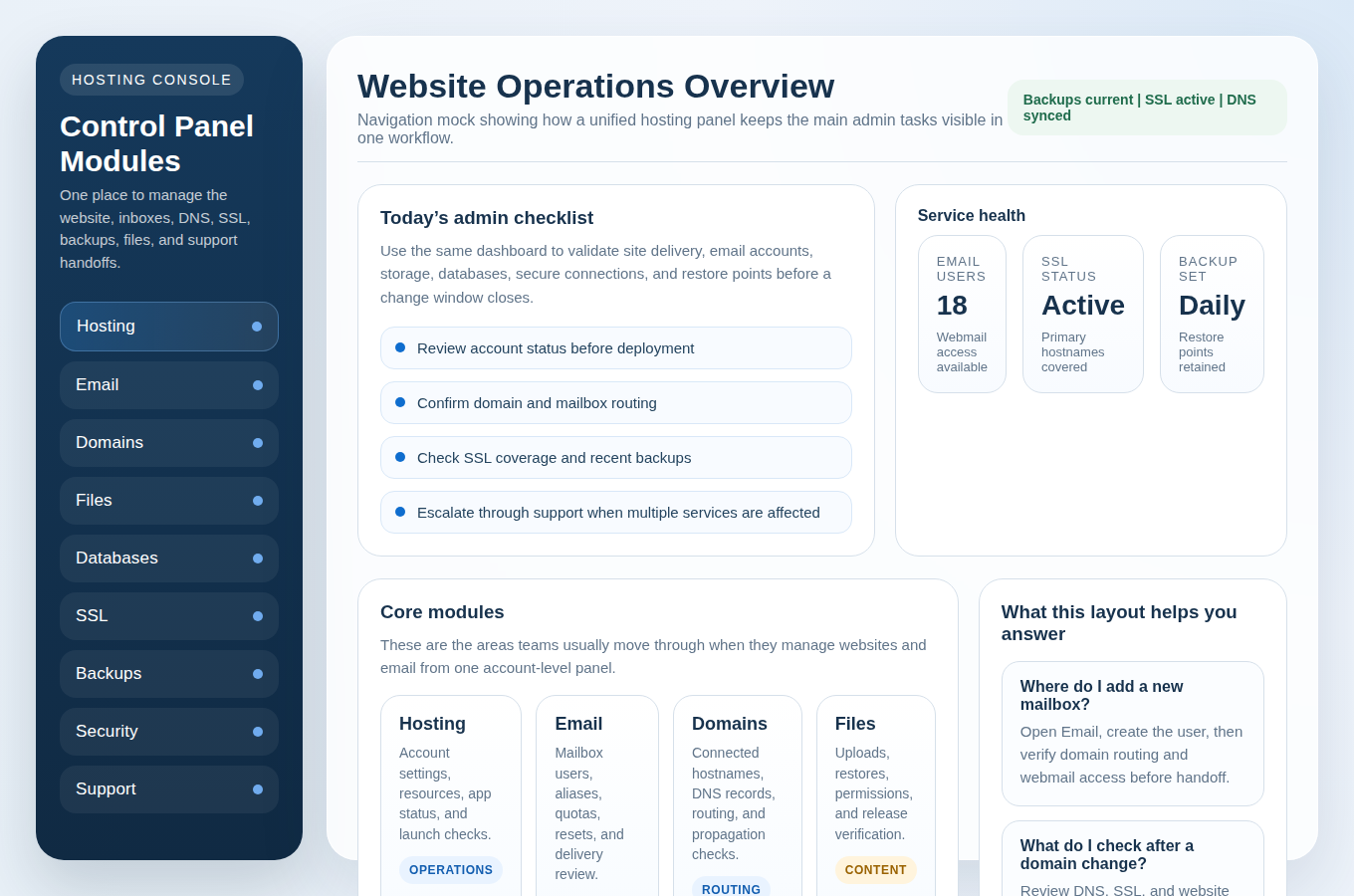
This is where a good control panel earns its keep. Instead of asking you to visit separate tools for hosting, email, DNS, files, and backups, it lets you handle the practical work in one place. That usually includes:
- domain and DNS record management
- SSL certificate status and renewal visibility
- mailbox creation, aliases, and webmail access
- file and database management for your site
- backup and restore access if something needs to be rolled back
If you are comparing platforms, our guides on Control Panel, Domains & DNS, and Security & Backups explain what to look for in a practical setup. You can also review our Website Hosting and Email Hosting pages to see how the pieces fit together.
What to review for email reliability
Email reliability is affected by DNS discipline more than most people expect. If your MX records are wrong, if SPF does not match the systems sending mail, or if DKIM is not published correctly, messages can fail or land where you do not want them. DMARC then gives you a policy layer and reporting signal so you can see whether authentication is working as intended.
For a plain-language guide to those trust signals, see Email Hosting and our article on professional email service options. The details are not glamorous. They are simply the quiet plumbing that keeps messages moving.
A calm action plan after the rollover
- Check that your domain resolves normally from a few networks or devices you trust.
- Confirm webmail can still sign in and send a test message.
- Review DNSSEC status in your panel if that feature is exposed.
- Verify backups are recent enough that you could restore quickly if needed.
- If anything looks inconsistent, contact support before making more changes.
If you keep your DNS records current, your control panel organized, and your email authentication tidy, the rollover stays what it should be: an infrastructure update, not a business interruption. If you would like help reviewing your setup, Contact Support or start with Get Started and Manage Hosting.
For readers who want to look up the domain side of the picture, ICANN Lookup is a useful reference point: ICANN Lookup. And if you prefer to work from source material, the ICANN announcement and trust-anchor guidance are the most direct starting points.